

Reef Crown Login
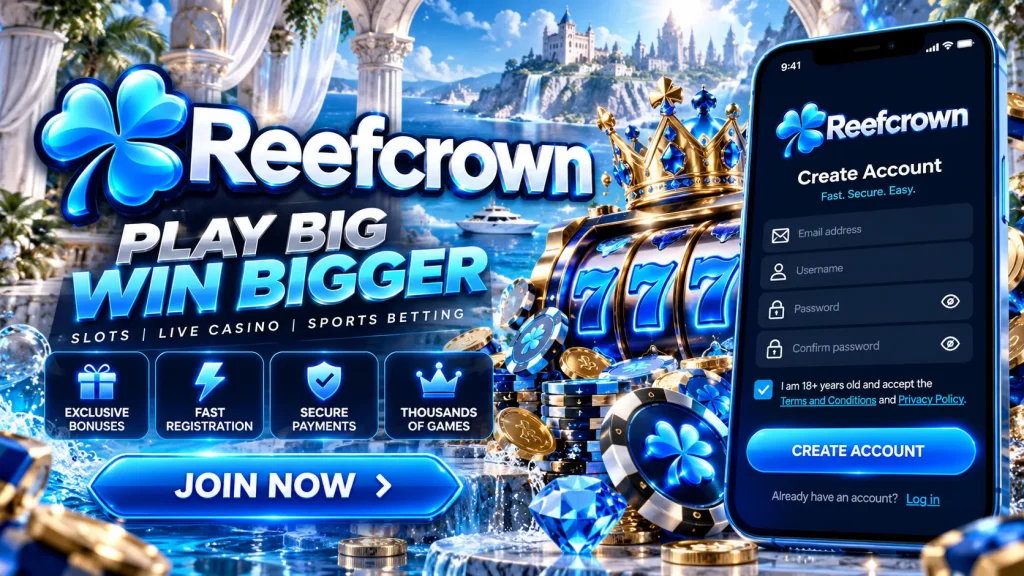
Maybe you’re picking up a session on a lunch break in Brisbane, or settling in after dinner in Perth. Either way, this page covers how to get into your Reef Crown account, from the quickest route in to what to do when something goes wrong. Most people are signed in within a few seconds, and if you’re stuck, the fixes below are specific and practical.
Signing In on Desktop and Mobile
The ReefCrown sign in process is the same idea everywhere: your registered email or username, your password, and a security code if you’ve switched on two-factor authentication. Here is how it works on each device.
Using a Browser
- Type our address straight into your browser, or open your own bookmark. Avoid links from messages.
- Tap or click the Log In button at the top of the page.
- Enter your email or username and your password. Use the eye icon to check what you’ve typed.
- Add your 2FA code if prompted.
- Tick “Remember me” only on a personal device you trust, never on a shared or work computer.
That’s the whole Reef Crown login. If your browser offers to save the password, check it’s the current one before accepting.
Using the Mobile App
On your phone, open the Reef Crown app, or the mobile site if you haven’t installed it, and enter your details once. After that, switch on biometric login in your account settings. Face ID on iPhone or fingerprint unlock on Android then replaces typing, and your session opens in about a second. Your fingerprint or face data stays on your phone and is never sent to us. If you change phones or reinstall, you’ll simply enter your password again and re-enable biometrics.
Resetting a Forgotten Password
Forgetting a password is common, and it’s easy to fix. We never need your old password to help you set a new one.
- On the login screen, select “Forgot password?”.
- Enter the email address linked to your account.
- Check your inbox. The message usually lands within a few minutes.
- Open the reset link promptly, because it’s time-limited for your protection.
- Choose a new password you haven’t used elsewhere, then sign in.
If nothing arrives, look in your spam or junk folder and search for our name. If the link says it has expired, just request a fresh one and use only the newest email. If you no longer have access to the email on file, contact support so we can walk you through verifying your identity and updating it.
Fixing Common Login Problems
When a ReefCrown login fails, the cause is usually small. Work through this list before assuming the worst.
| Problem | What to do |
|---|---|
| “Incorrect password” message | Check caps lock and retype manually. Autofill may be inserting an old saved password. |
| Page loops or won’t load | Clear your browser cache and cookies, or try a private window. |
| Slow or dropping connection | Switch between Wi-Fi and mobile data, then try again. |
| Security flag after using a VPN | Turn the VPN off and sign in from your normal location. |
| Account pending verification | Upload the requested ID documents so the review can finish. |
| Too many failed attempts | Wait for the temporary lock to lapse, then use “Forgot password?” instead of guessing. |
Still stuck after these checks? Update the app or browser, then contact us with a screenshot of the error.
Protecting Your Account
A strong password is only the first lock on the door. These habits keep your Reef Crown account yours alone.
Two-Factor Authentication
With 2FA on, a stolen password isn’t enough, because a thief would also need the changing code from your device. We recommend an authenticator app over SMS codes, as phone numbers can be hijacked through SIM-swap scams. Turn on login alerts too, so you’re told when a new device signs in. Pair this with a long, unique password, and secure your linked email with its own 2FA, since password recovery runs through that inbox.
Spotting Phishing
We will never ask for your password or a verification code by email, chat or phone. Anyone who does is not us. Fake messages often copy our look and push urgency, such as “confirm now or lose access”. Don’t tap those links. Go to Reef Crown directly through your bookmark and sign in there. Never share your 2FA codes, even with someone claiming to be staff.
If Your Account Is Locked or Restricted
A blocked account is rarely random. The usual reasons are a temporary lockout after repeated failed attempts, a verification check that’s still pending, a routine security review, or a limit or self-exclusion you set yourself. For a failed-attempt lockout, wait and then reset your password. For verification, send the documents we’ve asked for, and the review can then proceed. During a security review, our team may ask a few questions to confirm it’s really you.
If you chose a break or self-exclusion, we’ll respect that decision, and support can explain what your settings mean. We can’t promise exact timelines for reviews, because each case differs. If gambling has stopped feeling like fun, Gambling Help Online offers free, confidential support on 1800 858 858, any time. You must be 18 or older to play with us.
Reaching Our Support Team
If the steps above haven’t solved it, our team is available through 24/7 live chat, email, and the help centre for quick answers. Have your registered email and username ready, plus the approximate time of the problem and any error message. Never send your password or a 2FA code, because we’ll never need them. Whether your ReefCrown login issue is a lost email, a lockout or a verification question, we’ll point you to the next step and keep you informed as we go.